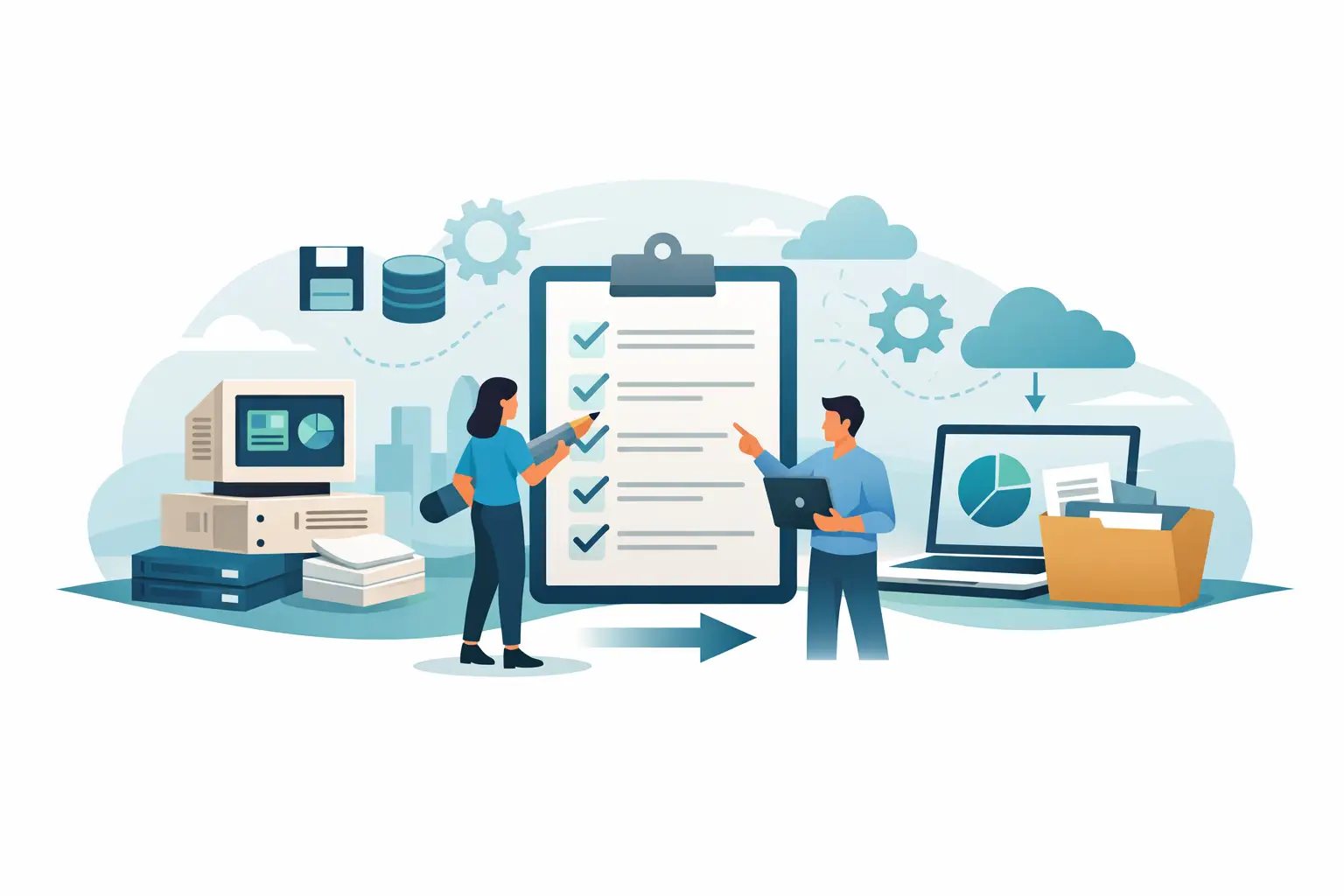
The risk in a system migration is rarely the data export itself. It is what breaks around it - posting logic, role permissions, opening balances, branch-level controls, historical traceability, and the confidence your finance team needs on day one. That is why a legacy migration checklist accounting teams can actually use should focus less on file transfer and more on operational continuity.
For exchanges and multi-asset financial businesses, the stakes are higher. You are not just moving a general ledger from one tool to another. You are often migrating crypto, fiat, commodity-linked balances, branch activity, internal transfers, user permissions, approval paths, and reporting structures that leadership depends on for real-time visibility. A rushed migration can create reporting gaps that show up weeks later, when reconciliation fails or profitability numbers stop matching reality.
What a legacy migration checklist accounting teams need should cover
A strong migration checklist starts before any data is moved. The first question is not what can be imported. It is what must remain financially true after the move. That includes chart of accounts structure, historical balances, transaction status definitions, user access levels, branch segmentation, and the rules that determine how entries are created.
In many legacy environments, accounting logic lives in multiple places. Part of it sits in the accounting software, part in spreadsheets, part in staff habits, and part in undocumented workarounds. If you only migrate the database, you do not migrate the operation. Finance leaders need to identify where the actual accounting process lives today, even when it is inconsistent or manual.
That is also where trade-offs begin. Not every migration should bring every historical detail into the new platform in the same way. Some firms need full transaction-level history for audit and operational analysis. Others are better served by migrating opening balances, recent activity, and archived read-only access to older records. The right choice depends on reporting requirements, compliance obligations, data quality, and how often older records are operationally referenced.
Start with operational scope, not just data scope
Before mapping fields, define the business perimeter of the migration. Which entities are included? Which branches? Which asset classes? Which reporting periods need to be active on day one? If your exchange handles crypto and fiat today but plans to add gold or oil next quarter, that future state matters now because the account structure and reporting model should not need to be rebuilt after go-live.
This stage should also identify dependencies. A finance platform may connect to internal treasury workflows, branch cash controls, approval routing, exports to auditors, and management reporting packs. If a process depends on the legacy system but is not documented, it can quietly fail after migration even when balances appear correct.
A useful way to frame scope is through three lenses: financial truth, operational continuity, and executive visibility. If the migration preserves balances but breaks daily approvals, it is incomplete. If users can process transactions but leadership loses real-time profit and loss visibility, it is incomplete. A migration is successful only when accounting, operations, and oversight remain aligned.
Audit the quality of your source data
Most migration issues are source issues revealed late. Duplicate accounts, inconsistent asset naming, missing transaction references, incomplete customer or counterparty labels, and unreconciled suspense balances all create downstream problems. The earlier they are identified, the cheaper they are to fix.
This is especially critical in exchange environments where transaction volume can mask structural errors. A small classification issue repeated across thousands of entries becomes a reporting distortion, not a minor cleanup task. Legacy spreadsheets are often the biggest risk here because they may contain hand-adjusted values with no controlled audit trail.
Your review should test whether balances tie across the general ledger, subledgers, branch reports, and management outputs. If they do not, the migration project should not pretend the new system will solve that automatically. A new platform can improve control, but it should not inherit unresolved accounting contradictions without an explicit remediation plan.
Map accounting logic before you map fields
Field mapping matters, but accounting logic matters more. Teams often spend time aligning column names while skipping the deeper question: how does a business event become a journal entry? That is where migrations succeed or fail.
For example, a deposit, internal transfer, trade settlement, withdrawal, branch funding movement, or commodity-linked transaction may trigger different treatments depending on asset type, status, location, and user role. Those rules must be documented before configuration begins. Otherwise, the new system may technically import data while producing the wrong accounting behavior going forward.
This is one reason specialized platforms outperform generic tools in exchange operations. The migration is not just about moving balances. It is about preserving transaction-to-ledger integrity in a high-volume environment where multiple asset classes and operational roles intersect.
Build the legacy migration checklist accounting leaders can enforce
A practical checklist should be used as a control document, not a project decoration. At minimum, it should confirm system scope, data ownership, account mapping, opening balance methodology, historical transaction treatment, reconciliation rules, role-based permissions, approval flows, reporting outputs, and sign-off responsibilities.
It should also define what will be tested and who owns each validation. Finance should validate balances and reports. Operations should validate workflows and access paths. Leadership should validate the outputs they rely on for branch performance, asset exposure, and profit tracking. Shared ownership prevents the common failure mode where IT declares success while finance is still rebuilding trust in the numbers.
A good checklist also includes clear cutover criteria. What must be true before you stop using the legacy system for live activity? Which reconciliations must match? Which reports must be reviewed? Which user roles must be tested in production-like conditions? If those rules are vague, go-live becomes a judgment call instead of a controlled decision.
Test in layers, not all at once
Migration testing works best when it moves from simple to complex. Start with account structures, balances, and master data. Then validate transaction imports and opening positions. After that, test workflows: approvals, user permissions, branch-level activity, internal transfers, and reporting outputs.
The final layer should test real operating scenarios. Month-end close is one. Multi-branch reconciliation is another. Exception handling is often overlooked, yet it matters because real finance operations are full of reversals, corrections, failed transactions, and off-cycle adjustments. A platform that works for ideal cases but breaks under exception conditions is not ready.
Parallel runs can help, but they should be time-boxed. Running old and new systems side by side for too long creates confusion and duplicate effort. The better approach is a focused validation window with clearly defined success measures. If the new platform can reproduce the critical financial and operational outputs your team needs, confidence rises quickly.
Do not underestimate permissions and control design
In accounting migrations, access control is often treated as a setup detail. In reality, it is part of financial integrity. Exchanges and multi-branch operations need clear separation between viewers, accountants, branch operators, approvers, and executives. If roles are too broad, you introduce control risk. If they are too narrow, daily work slows down.
This is where migration planning should include a review of who can post, edit, approve, reverse, export, and view sensitive financial data. Legacy systems often accumulate permissions over time, giving users more access than their role requires. A migration is the right moment to reset that model.
For organizations moving to a modern accounting operating system, this is also an opportunity to replace informal controls with role-based operational governance. Arzfy is designed around that principle because exchange environments need precision at both the transaction layer and the oversight layer.
Prepare your team for the first 30 days
The technical migration may finish before operational confidence does. The first month in the new system usually reveals process friction, training gaps, and report expectations that were never fully articulated. That does not mean the migration failed. It means stabilization needs to be planned, not improvised.
Finance teams should know where to escalate discrepancies, how to review opening balances, how to handle corrections, and how to confirm daily outputs. Branch users should understand the exact workflows they own. Leadership should receive a defined reporting set that proves the system is producing reliable information from the start.
This period is also where speed should be balanced with discipline. Fast migration is valuable, but only if it preserves control. The best outcome is not simply moving off a legacy tool quickly. It is moving into a system where accounting accuracy, operational visibility, and access governance are stronger on day one than they were before.
A legacy system usually breaks slowly, then all at once. The right checklist gives your team a way to migrate before that happens - with the numbers intact, the controls tighter, and the business ready to operate without hesitation.